HISPEEDIDO
2026 Gray White 2.8" Laminated IPS LCD For GBC 480x432 Integer Scaling Backlight Retro Pixel KIT For Game boy Color
2026 Gray White 2.8" Laminated IPS LCD For GBC 480x432 Integer Scaling Backlight Retro Pixel KIT For Game boy Color
Couldn't load pickup availability
Product Feature:
Note: There is LOGO on the glass screen lens.
Note: Not include the game console motherboard.
******Please Note: Trimming the original casing is very difficult to fit this screen, so we strongly recommend purchasing our custom shell !****
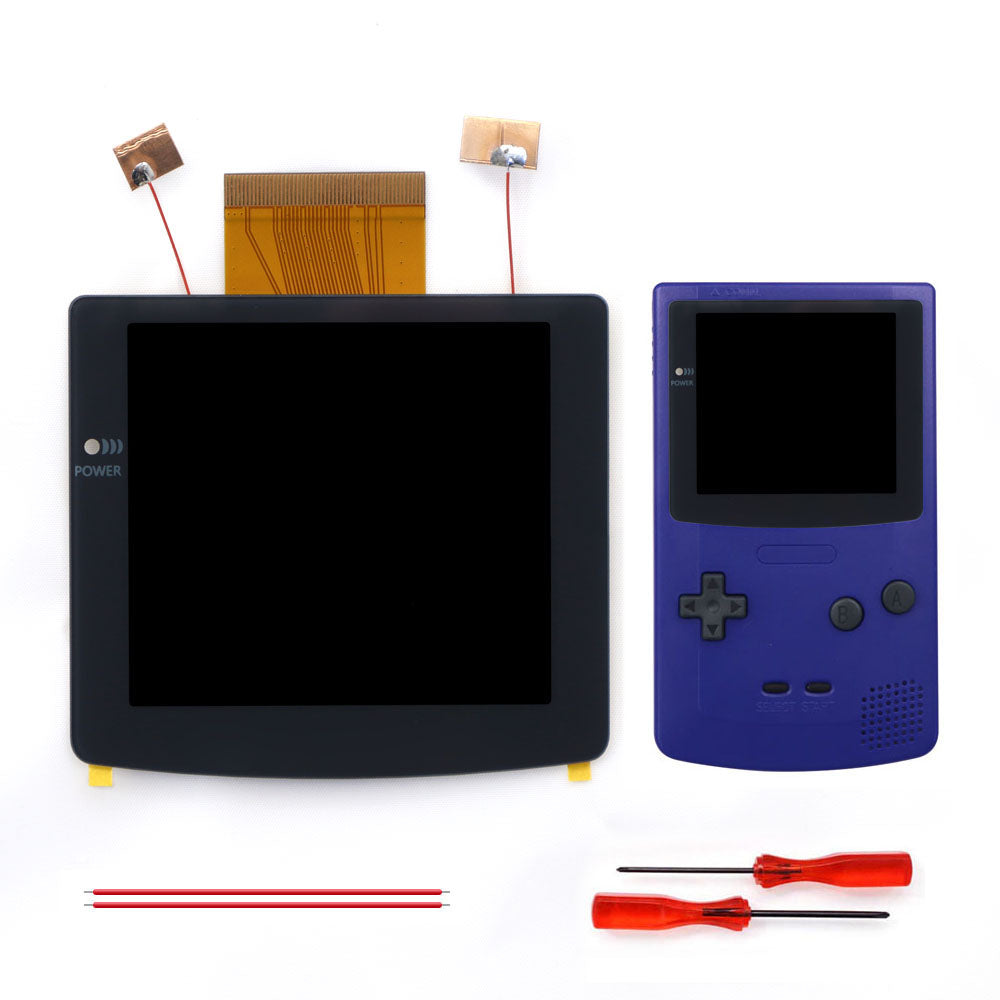
1. This is Pre Laminated Glass Screen IPS LCD. Very easy to install.
2. 480x432 display resolution. HD LCD. Integer Scaling. 9 pixels to 1 pixel. No any distortions.
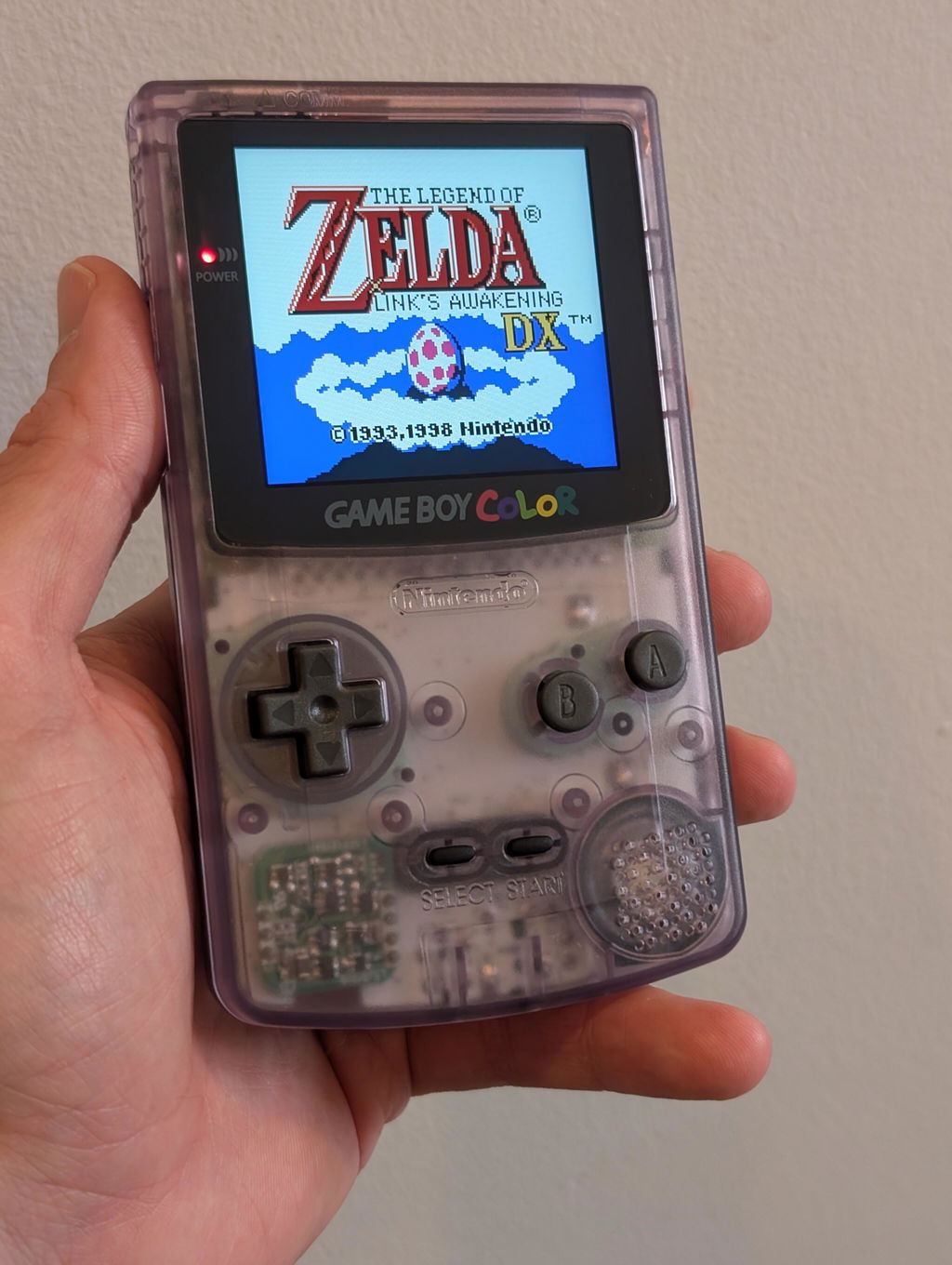
3. 46% larger than the original LCD. The largest IPS LCD for the GBC console.
4. Wide View angle up to 178 degree.
5. Built-in OSD Menu! Support Touch to operate the OSD menu.
6. 20 brightness levels.
7. Desaturation. This function can make the color of IPS LCD images closer to the original color of GBC games.Note: ‘Desaturation’can only be adjustable in normal color mode.
8. Retro Pixel Effects: Normal, Retro pixel, Scanline 1, Scanline 2, Scanline 3.
9. Battery level display On/OFF
10. 'Touch Shortcut ON/OFF' function. Set 'Touch Shortcut' OFF to avoid auto cycling color modes.
11. FRM On/OFF function (Frame blending On/OFF) is included. For some extremly few games, the image effect will be better when FRM turned on. For most games, No need to turn on FRM Function. The default FRM is OFF.
12. Built-in 8 color modes. Each 'color mode' can be adjustable.
You need to cut the shell case to put in the Laminated IPS LCD. Please contact me after you receive it. I will send the instruction manual to you.
Or,you can buy the custom shell from this listing if you don't want to cut the sell case by yourself.
Using touchpad to operate the OSDMenu:
Touch the two touchpads for 3 seconds to activate the OSD menu.
Touch and hold the right touchpad for 2 seconds = ‘Enter’or ‘Exit and save’when Menu was activated.
Touch and hold the left touchpad for 2 seconds = ‘Exit without save’when Menu was activated.
Short touch the right touchpad = ‘increase’when Menu was activated.
Short touch the left touchpad = ‘decrease’when Menu activated.

*This kit also supports using buttons to operate the OSD. But you need to weld 3 wires to control the OSD Menu*
Press the Select +A+B buttons to activate the OSD Menu.
Press the Select +A buttons = ‘Enter’or ‘Exit and save’when OSD Menu was activated.
Press the Select +B buttons = ‘Exit without save’when OSD Menu was activated.
Press the A button= ‘increase’when OSD Menu was activated.
Press the B button= ‘decrease’when OSD Menu activated.

Include:
1x IPS LCD.
1x PCB.
1x flex cables.
2xScrewdrivers.
4x red wires.
Or :
1x IPS LCD.
1x PCB.
1x flex cables.
2xScrewdrivers.
4x red wires.
1x Shell case, 1 set buttons, 1 set Rubber Pad, 1x Sticker label,1 set screws.